Fixing Dokploy Static Site Deployments with a Custom Nginx Docker Image
- dokploy
- docker
- nginx
- deployment
- astro
- static-site
Disclaimer:
Nixpacks/Railpacks already handle static sites by adding Caddy to the image automatically. You can customize theCaddyfileused by adding one to the root of your repo, or alter the output directory if it’s not detected.
Dokploy is a great option for self-hosting containerized apps. I’ve been using it to deploy small projects, and it’s been smooth… until I noticed something that made the site feel a bit unfinished: my custom 404 page was never shown.
No matter what invalid URL I tried, I always got the default Nginx 404 instead of the 404 page I built in Astro.
🚨 The problem
The site itself was fine. Pages that exist loaded correctly. The problem only showed up when a user landed on a non-existent route.
🔍 Symptoms
/and valid routes returned the expected pages.- Any typo or unknown path returned a generic “404 Not Found” page branded by Nginx.
- Locally, I could see my nice Astro 404, so I knew it was being generated.
At first glance it looks like “Dokploy is ignoring my build”, but the build was correct — it was the container’s web server behavior.
🧠 Root cause
Astro generates a static 404 page as part of the build output. Depending on how your site is configured, that might be:
dist/404.html(common)dist/404/index.html(also possible)
Nginx, however, doesn’t magically know that it should use that file when it has to return a 404. If you deploy with a default/minimal Nginx config, you’ll typically get Nginx’s built-in error page body.
So you end up in this weird state where:
- the HTTP status is correct (
404), - but the HTML shown to the user is not yours.
🛠️ The fix: ship my own Nginx configuration
I didn’t want to fight platform defaults. The cleanest approach was to deploy a container image that I fully control:
- Build the Astro site (
npm run build→dist/). - Copy
dist/into annginx:alpineimage. - Provide my own
nginx.conf.
Once I did that, I could explicitly tell Nginx: “When there’s a 404, render this file.”
🎯 The key part: making Nginx serve Astro’s 404
This is the small bit of configuration that fixed the whole issue.
Astro outputs 404.html
If the build output includes /404.html, add:
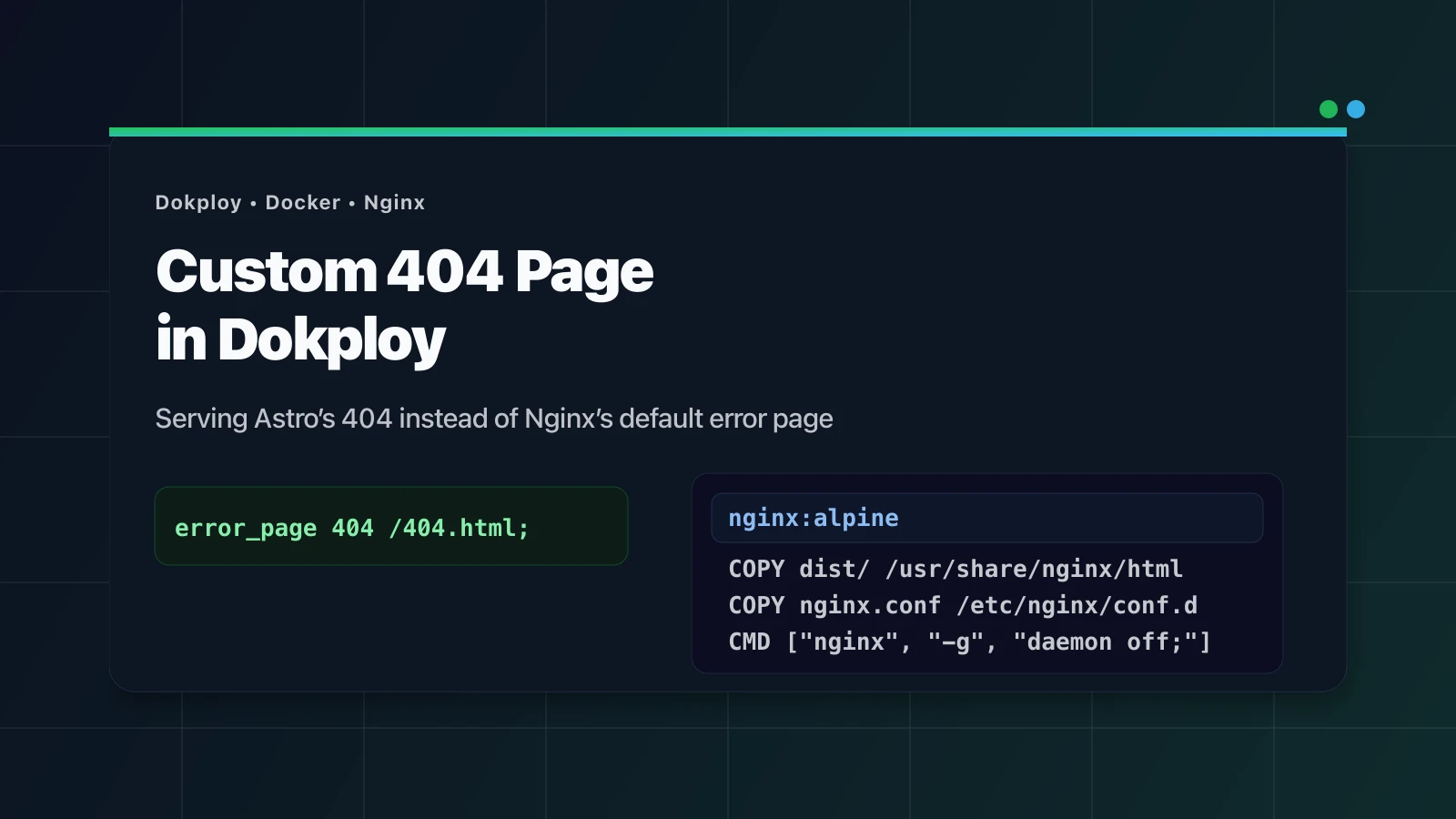
error_page 404 /404.html;

location = /404.html {
    root /usr/share/nginx/html;
}
✨ Now Nginx still returns 404, but the response body is your Astro page.
If you’re unsure which one you have, just check your dist/ folder after building.
📦 Docker image: multi-stage build
I used a multi-stage build to keep the production image small and only ship static files + Nginx.
Example Dockerfile:
FROM node:22-alpine AS builder
WORKDIR /app

COPY package*.json ./
RUN npm ci

COPY . .
RUN npm run build

FROM nginx:alpine

COPY nginx.conf /etc/nginx/conf.d/default.conf
COPY --from=builder /app/dist /usr/share/nginx/html

EXPOSE 80
CMD ["nginx", "-g", "daemon off;"]
Note: this Nginx setup is directly inspired by how Dokploy implements static deployments internally (its “static builder”): Github Dokploy 🔗
Dokploy’s default goal there is just “serve the output folder with Nginx”. I kept the same base approach (Nginx +
/usr/share/nginx/html), and only added theerror_page 404 ...bit so Nginx returns my Astro 404 instead of its built-in page.
✅ Quick verification
The quickest check after deploying was:
- Request a URL that doesn’t exist and confirm:
- the status is still
404 - the response body matches my Astro 404 page
- the status is still
I also hit /404.html directly to make sure the file was being served as expected.